Lifer documentation
Lifer is a free, open-source photo archive and life list for wildlife photographers. It organizes your photos around species, and around where, when and on which trip you took them. Your life list and regional checklists fill in from the photos themselves.
Your photos stay on your own drives. There is no Lifer cloud service and no account to sign up for.
To start, check the requirements, install the desktop app or set up a server with Docker, then follow Getting started for your first import.
Key ideas
Species
Everything in Lifer hangs off a species. Each one has a common and scientific name, its place in the taxonomy, a reference photo, a description and habitat, a rarity, and a record of where it's found.
Downloaded regions come with full regional checklists for:
- Birds
- Mammals
- Fish. The Fish download also includes sharks, rays and marine mammals like whales, dolphins and seals.
- Reptiles & Amphibians: reptiles, turtles and amphibians
- Marine invertebrates: corals, jellies and anemones, echinoderms, nudibranchs, shells and marine mollusks, cephalopods, and crustaceans
Anything else on iNaturalist, like insects, spiders, plants and fungi, can be added too. Add species one at a time, paste in a list of names, or add a whole group in a place, like the spiders of Canada. See Insects, plants and other groups.
Photos
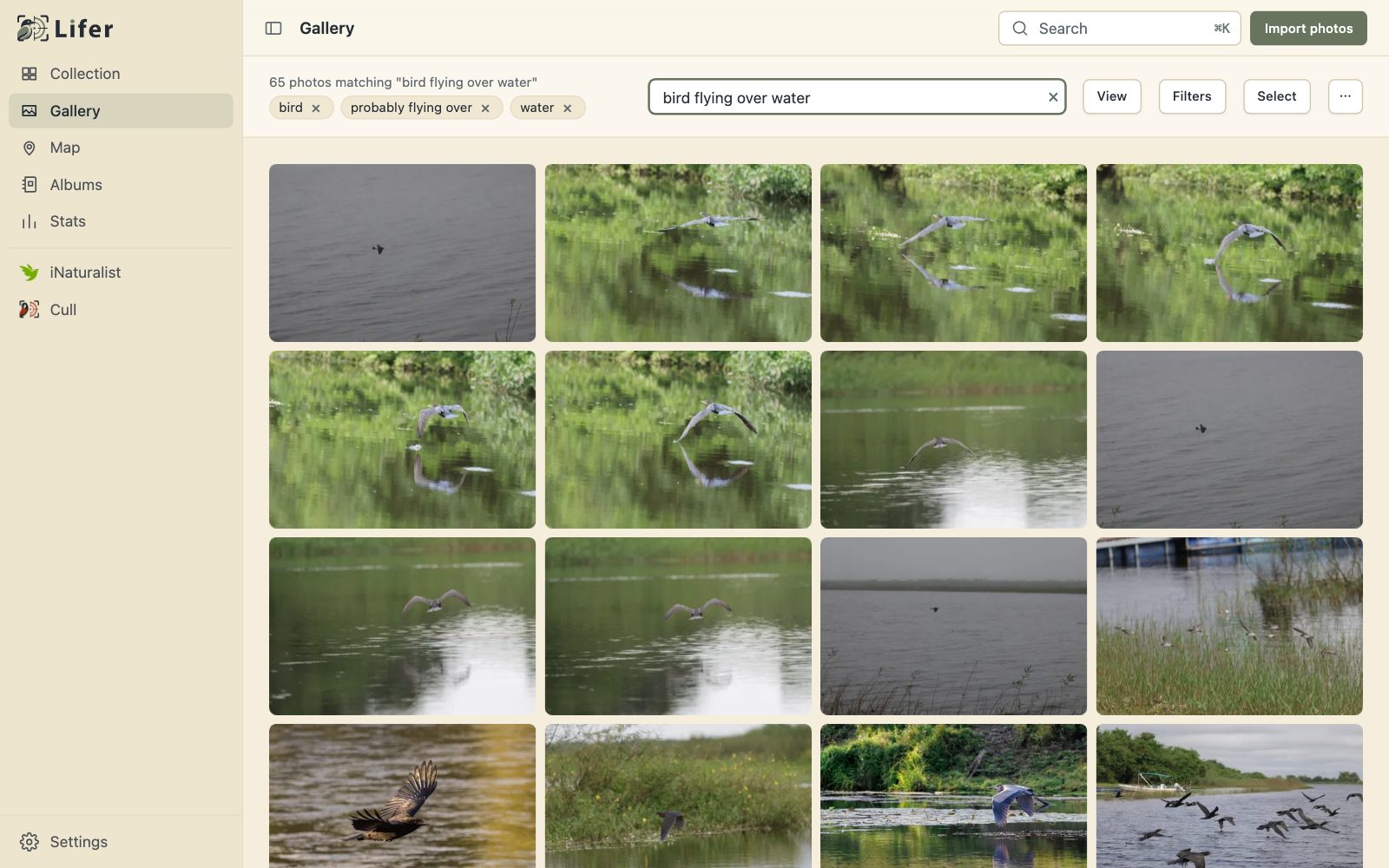
A photo in Lifer is one shot. It can have an edited photo (a JPEG, PNG, WebP, TIFF, HEIC, AVIF, JPEG 2000 or JPEG XL), the matching RAW file, or both, and it can also be a video (MP4, MOV, AVCHD, MXF, AVI, MKV or 3GP). Each photo belongs to a species (it can list extra species too), and carries its date, location, camera details, rating and tags.
Photographed, seen and your life list
A species counts as photographed only once you've attached your own photo of it. This isn't a sightings log. If you've seen something but haven't photographed it yet, click Mark as seen on its species page or card so it stands apart from species you've never encountered. You can also import your eBird sightings to mark everything you've seen at once.
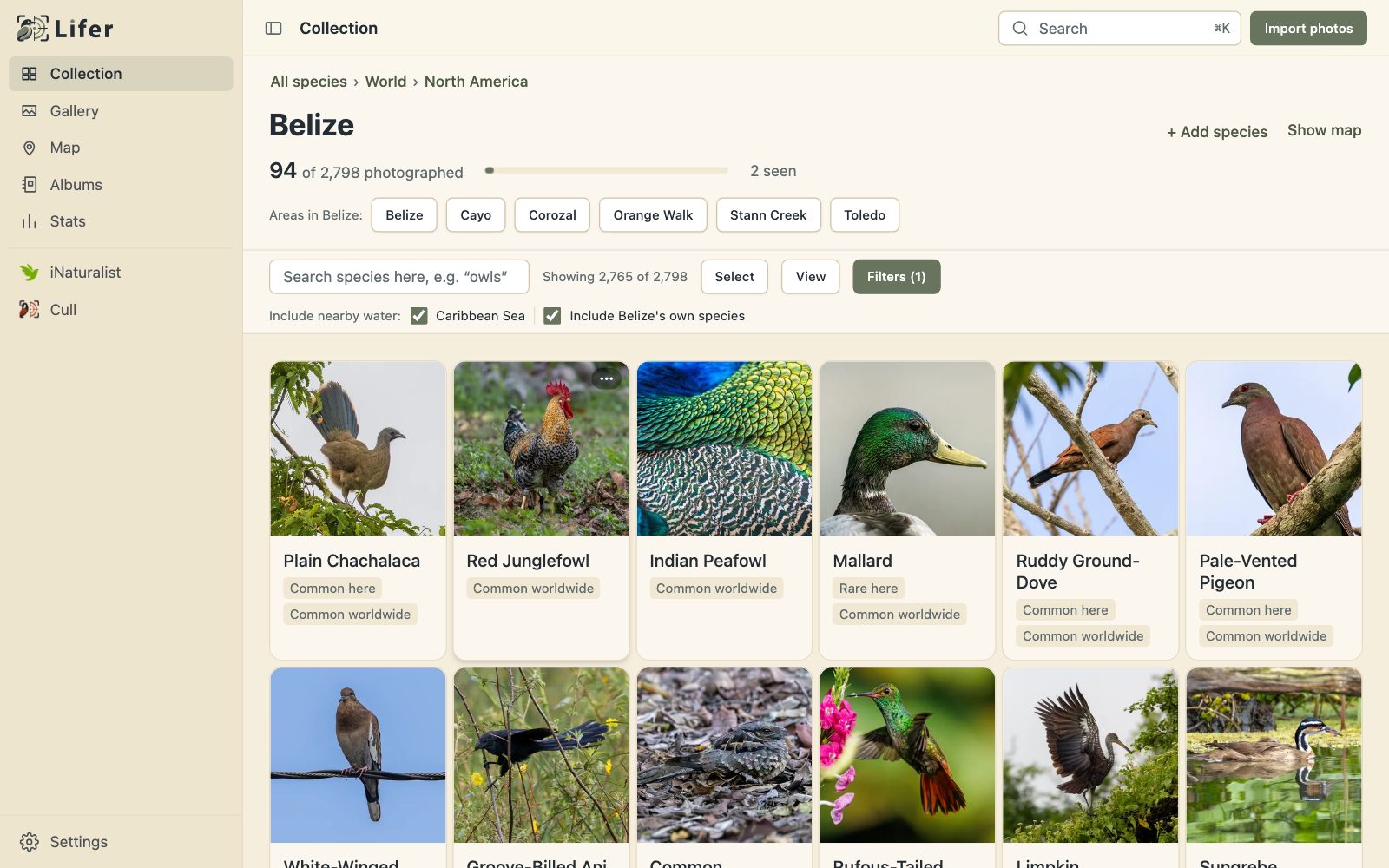
Your life list is every species you've photographed. On the Collection page, the count under the Lifer logo ("X / Y photographed") shows how many species you've photographed out of the checklist you're viewing. Pick a region or a group, like Birds, and the count follows it.
Rarity
A species' rarity is how hard it is to find and photograph in the place you're looking at:
- Common: an everyday species, seen anywhere, anytime.
- Occasional: findable with a little effort in the right habitat.
- Uncommon: needs a dedicated search.
- Rare: needs travel and patience.
- Legendary: once in a lifetime.
A card shows its rarity as a quiet pill. On a region's checklist it shows two: the rarity there ("Rare here") and worldwide ("Common worldwide", where the species is easiest to find); elsewhere only the worldwide one.
It isn't conservation status: an endangered but easy-to-see bird can be Common, and a widespread but secretive one can be Rare. The IUCN status is shown beside it. Where there's too little data to tell, a species shows Unrated. Marine invertebrates and species added from iNaturalist aren't rated yet.
See Collection and checklists.
Regions and checklists
A region is a country, a province or state, or an ocean area for fish. Its checklist is every species recorded there. You browse your collection by region and see what you still need. Checklists are meant to be personal: hide vagrants or archive species you aren't chasing.
Downloading a region gets its checklist, reference photos and descriptions. You download the regions you care about and they work fully offline from then on. See Downloaded regions and the map.
Desktop app or server?
Lifer runs two ways. Both have the same features, apart from the differences below.
| Desktop app | Server | |
|---|---|---|
| Where it runs | Your own computer: a Mac with Apple Silicon, Windows, or Linux (.deb or AppImage) | A NAS or always-on computer, using Docker |
| Who can reach it | Just you, on that computer | Anyone with the address and your login |
| Login | None | One account (email and password) per server |
| Where photos live | On your computer and any external drives | On the server's disks |
| Share links for albums | No | Yes |
| API keys for your own scripts | No | Yes |
| Install guide | Desktop app | Docker |
The desktop app can also be a window onto a server you already run. Connected that way, it signs in to the server's account and gets the server's share links and API keys. See Connect the desktop app to a server. You can start on the desktop and move your library to a server later.
Status
Lifer is in beta. It's actively developed, and some features may change before the first stable release. Questions and ideas are welcome in Discussions, and bug reports in Issues. See Feedback and support and the Roadmap.